

Help center
Sign in and reset your password
This article covers signing in, what to do when you forget your password, getting a new confirmation email, and signing out of an account that is not yours.
Sign in
- Go to the Bookledo sign in page.
- Enter your Email and Password.
- Select Sign in.
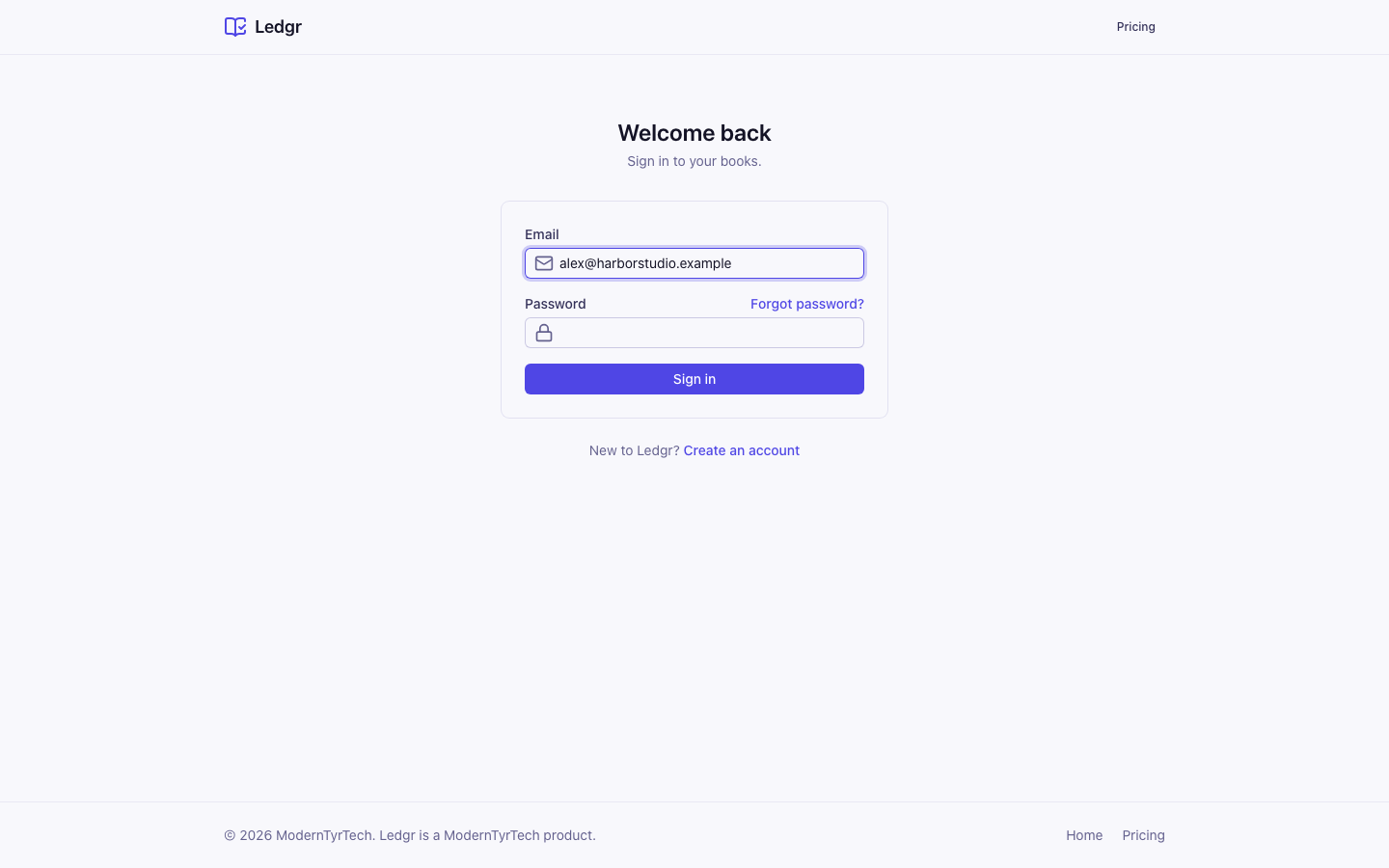
Bookledo takes you to your books. If you were sent to the sign in page from a link inside Bookledo, it takes you back to that page after you sign in.
If the email and password do not match an account, Bookledo says so without saying which one is wrong. Check for typos, then try again. If you do not have an account yet, select Create an account under the form. Set up your business covers the first steps.
Reset a forgotten password
- On the sign in page, select Forgot password? above the password box.
- Enter the email address you signed up with.
- Select Send reset link.
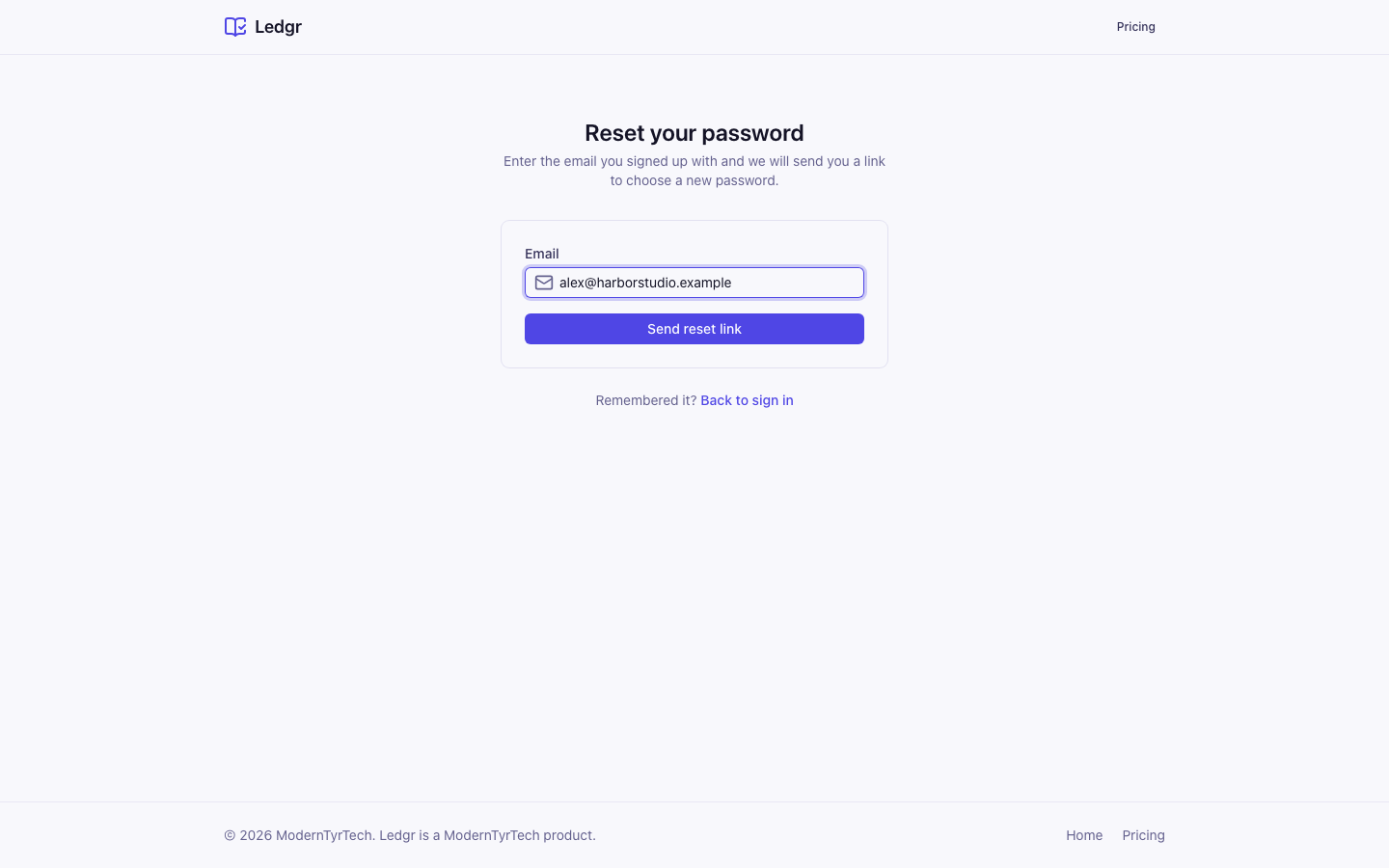
Bookledo always answers the same way, whether or not that address has an account. This keeps the page from telling a stranger who uses Bookledo. If the address has an account, an email with a link arrives within a few minutes. Check your spam folder if you do not see it.
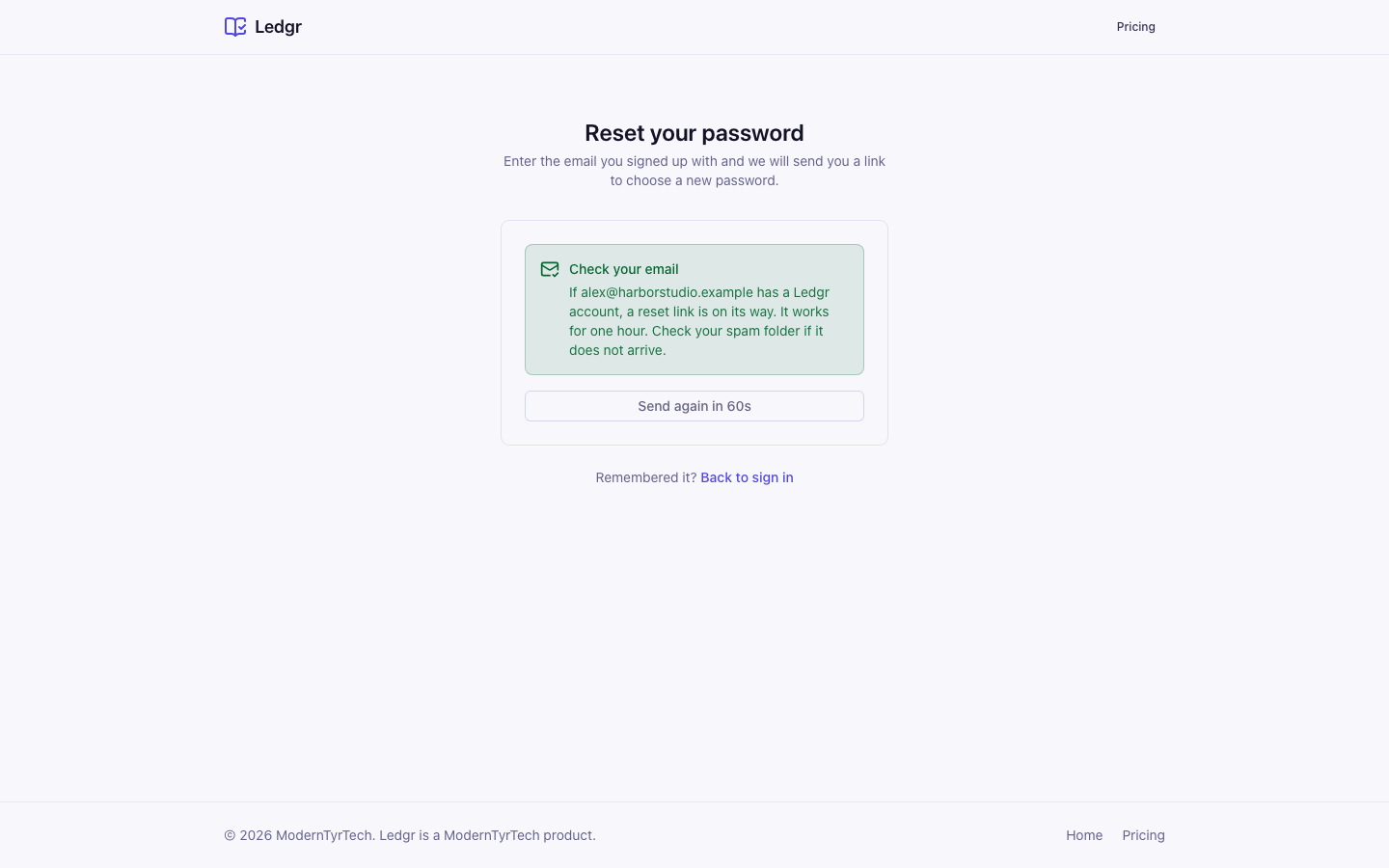
If nothing arrives, select Send the link again once the countdown ends. The wait is one minute.
- Open the email and select the link. Open it in the same browser you used to ask for it.
- On Choose a new password, enter the new password twice and select Save new password.
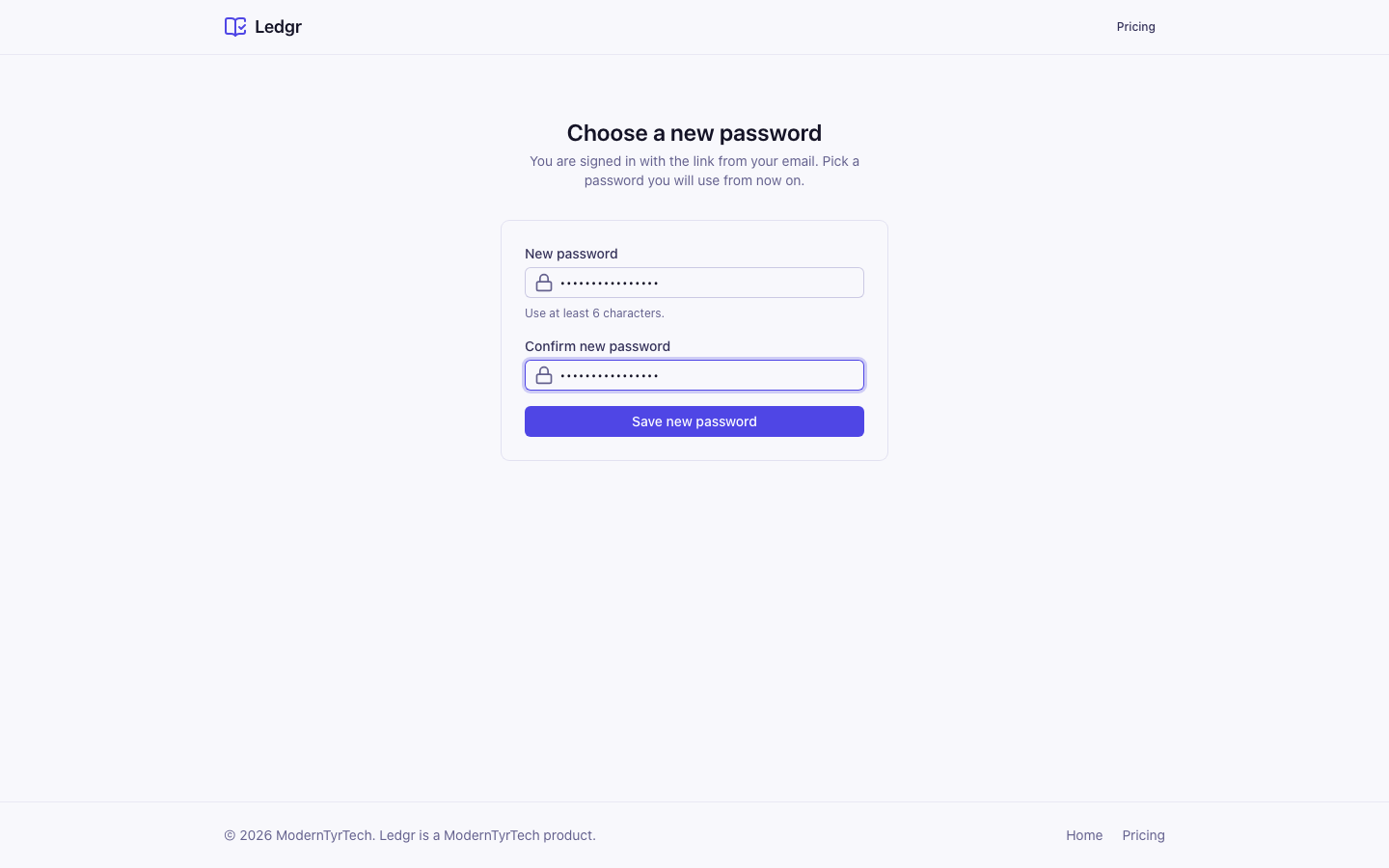
Bookledo signs you in and opens your books. The password must be at least 6 characters and the two boxes must match. A reset link works once and for one hour. If it has expired, the page says This link has expired and offers Request a new link.
Get the confirmation email again
If your account needs its email address confirmed, Bookledo sends a message after you sign up. If it does not arrive, or the link has expired, follow these steps.
- On the sign up page, after you create the account, select Send the confirmation email again. Or go to the sign in page and sign in. If Bookledo says your email is not confirmed, the same button appears under the message.
- Wait a minute between sends. The button shows a countdown.
- Open the new message and follow its link, then sign in.
Bookledo answers the same way whether or not the address has an account waiting.
Sign out of the wrong account
If you sign in and the wrong account opens, or a colleague used your browser, sign out first. On the setup screen, the email you are signed in with shows under the form, with Not you? Sign out. Inside Bookledo, select your name at the bottom of the sidebar and choose Sign out.
Next steps
- Set up your business if you have just created your account.
- Manage your organization to invite the people you work with.