

Help center
Find help in Bookledo
Every Bookledo help article lives in the help center. You can open it whether or not you are signed in, and the articles read the same either way.
Open the help center before you sign in
On the Bookledo home page, select Help in the menu at the top of the page. On a phone, open the menu button first. The footer at the bottom of every public page also has a Help center link, and so do the sign in and sign up pages.

Open the help center from inside Bookledo
Select Help at the bottom of the sidebar, under Settings. The help center opens inside Bookledo, so the sidebar stays where it is and you can go straight back to your books.
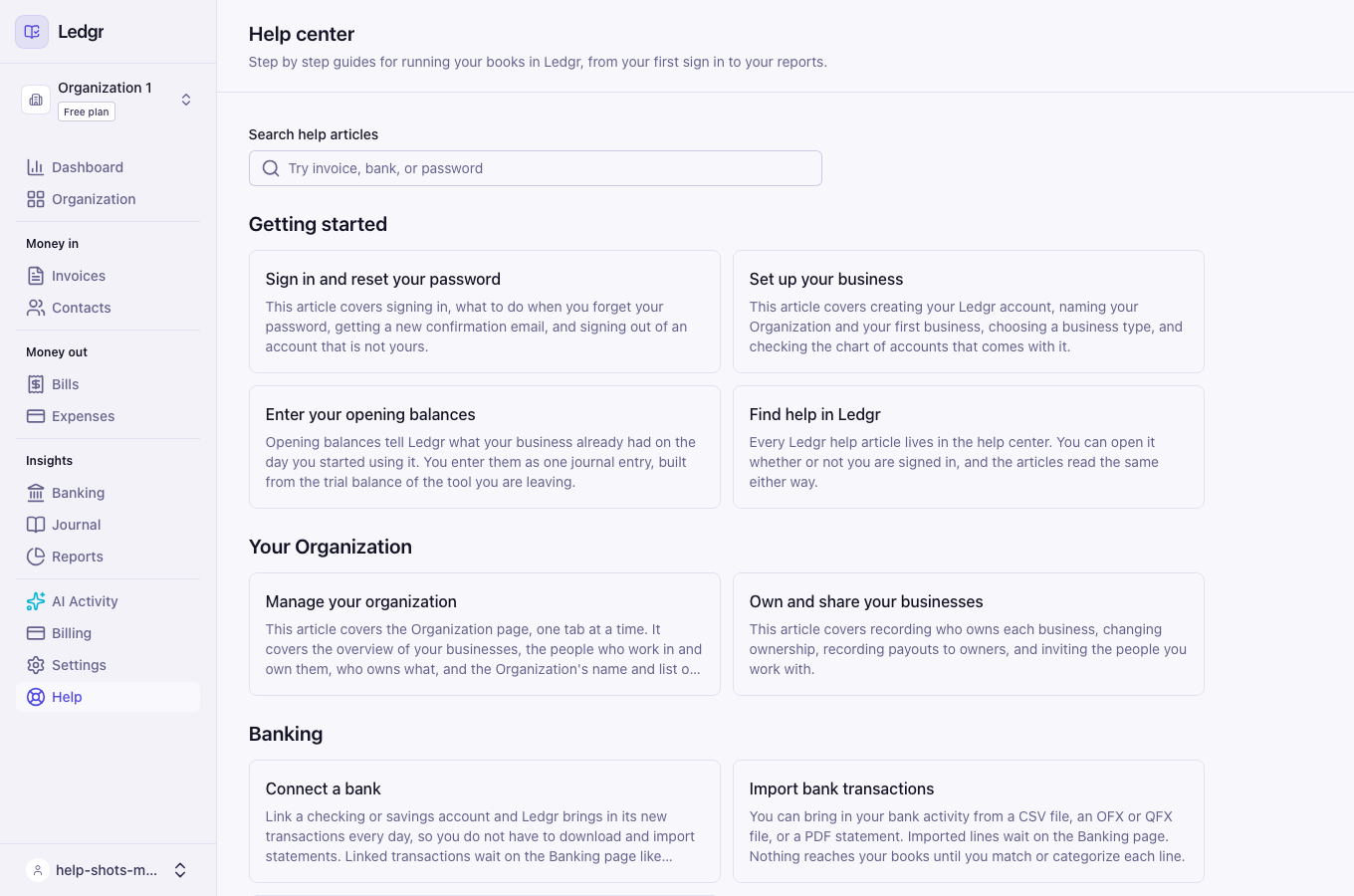
Find an article
The help center lists every article by topic, such as Bookledo, Invoices and bills, and Reports. Each one shows a short description of what it covers.
To find something faster, type a word into Search help articles. The list narrows as you type to the articles whose title or description has every word you typed. Clear the box to see every article again.
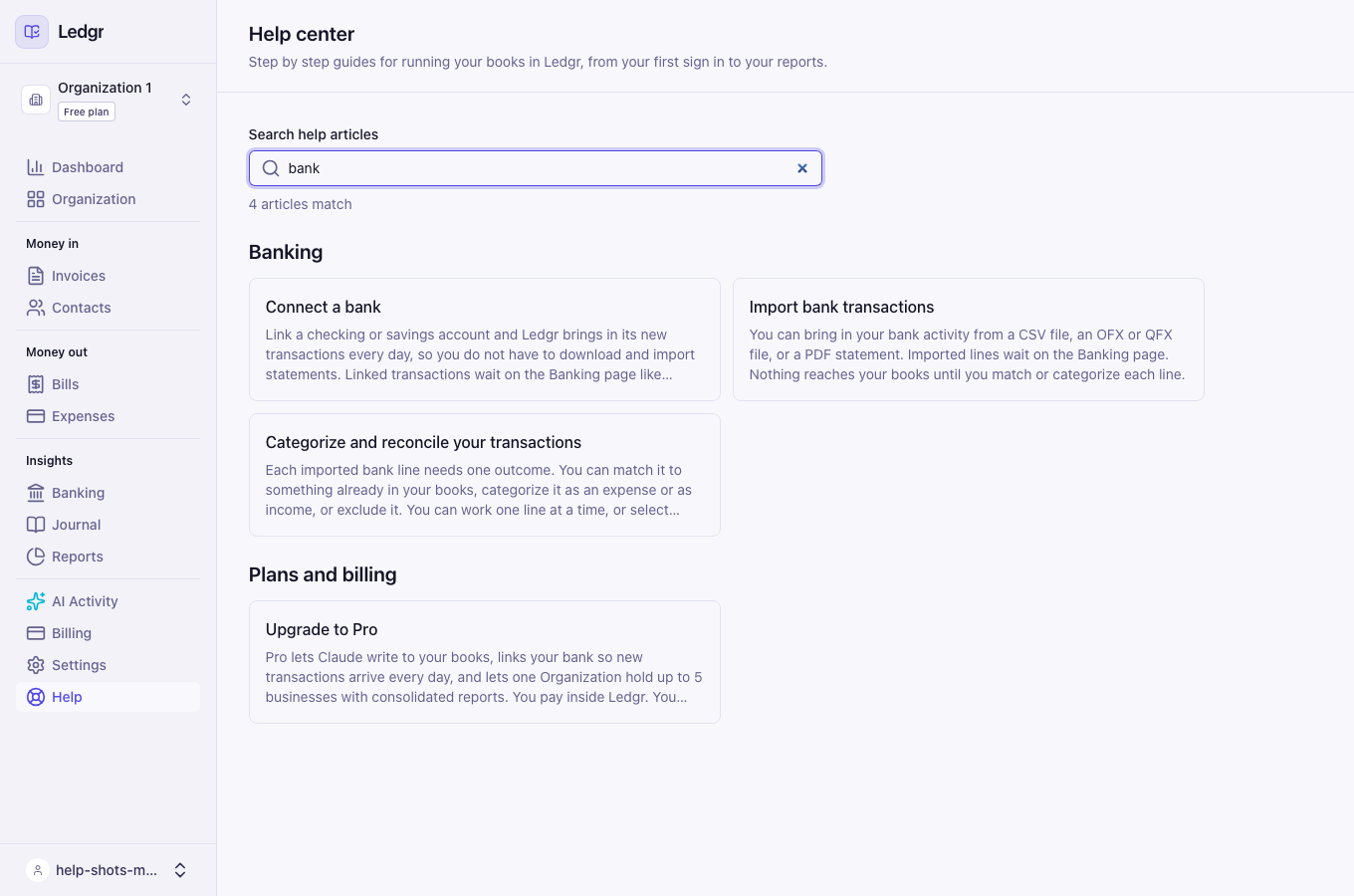
Move between articles
Links inside an article open the article they name. At the bottom of each article, Previous and Next take you through the articles in order, and All help articles takes you back to the list.